Animating an existing brand mascot: from still image to living character
Your brand already has a mascot, but it only exists as a still image: on the logo, on the packaging or in a corner of the website. People know it, sometimes love it, and yet it does nothing.
Animating it does not mean redrawing it. It means making it move while respecting what the audience already recognises. Here is the method we follow, from the file audit to the final renders.
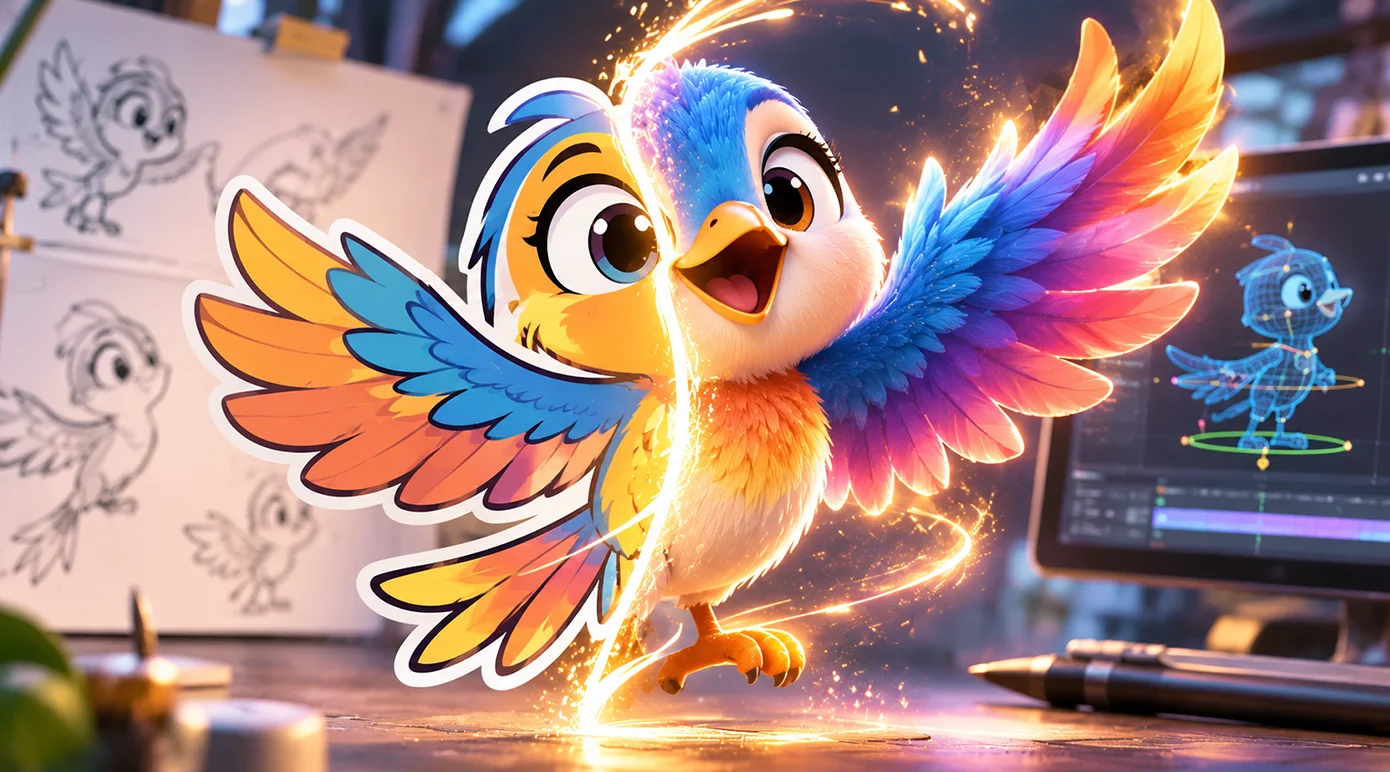
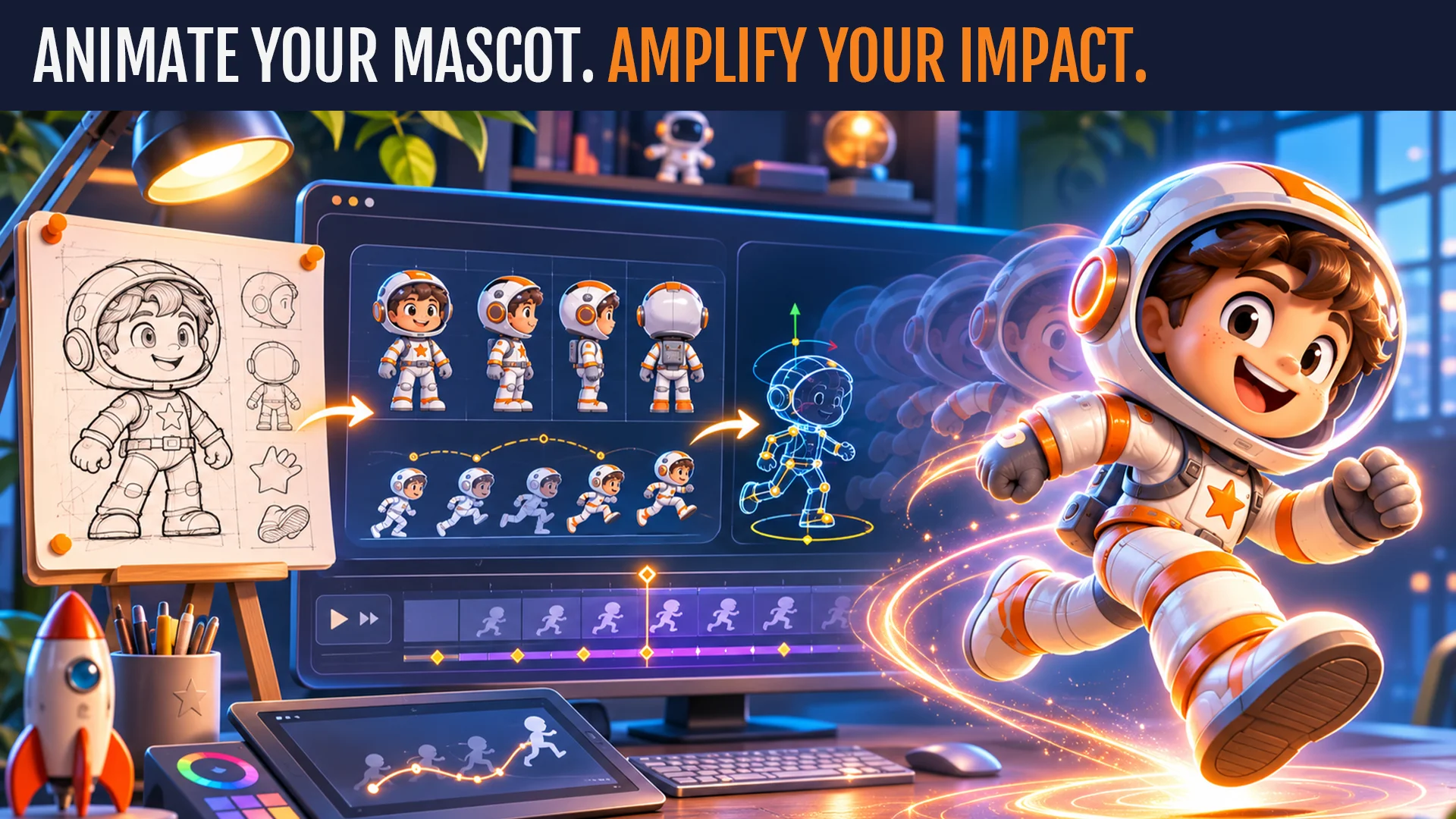
From still image to animated character: the brand mascot comes to life
Why animate an existing mascot
An existing mascot has already done the hardest part: it is associated with your brand. Animation builds on that equity instead of creating it from scratch.
- It fits video formats. Social networks favour video, where a still image goes unnoticed.
- It gains a personality. A walk, a look or a reaction says more than a single pose.
- It becomes a spokesperson. The character can present a product, explain a service or welcome a new customer.
- It pays for itself. Once prepared for animation, it feeds dozens of pieces of content.
The 5 steps to animate your mascot
The work starts with a review of what exists, not with animation. Each step prepares the next.
1. Audit what exists
We gather everything available: source files, existing views, brand guidelines, past visuals. Three questions come up:
- Are the files vector-based or layered, or is there only a flattened image?
- Does the character exist from a single angle only?
- Does the brand own the adaptation and animation rights?
That last point is checked in the contract signed with the original author. A rights assignment that does not mention animation must be completed before production starts.
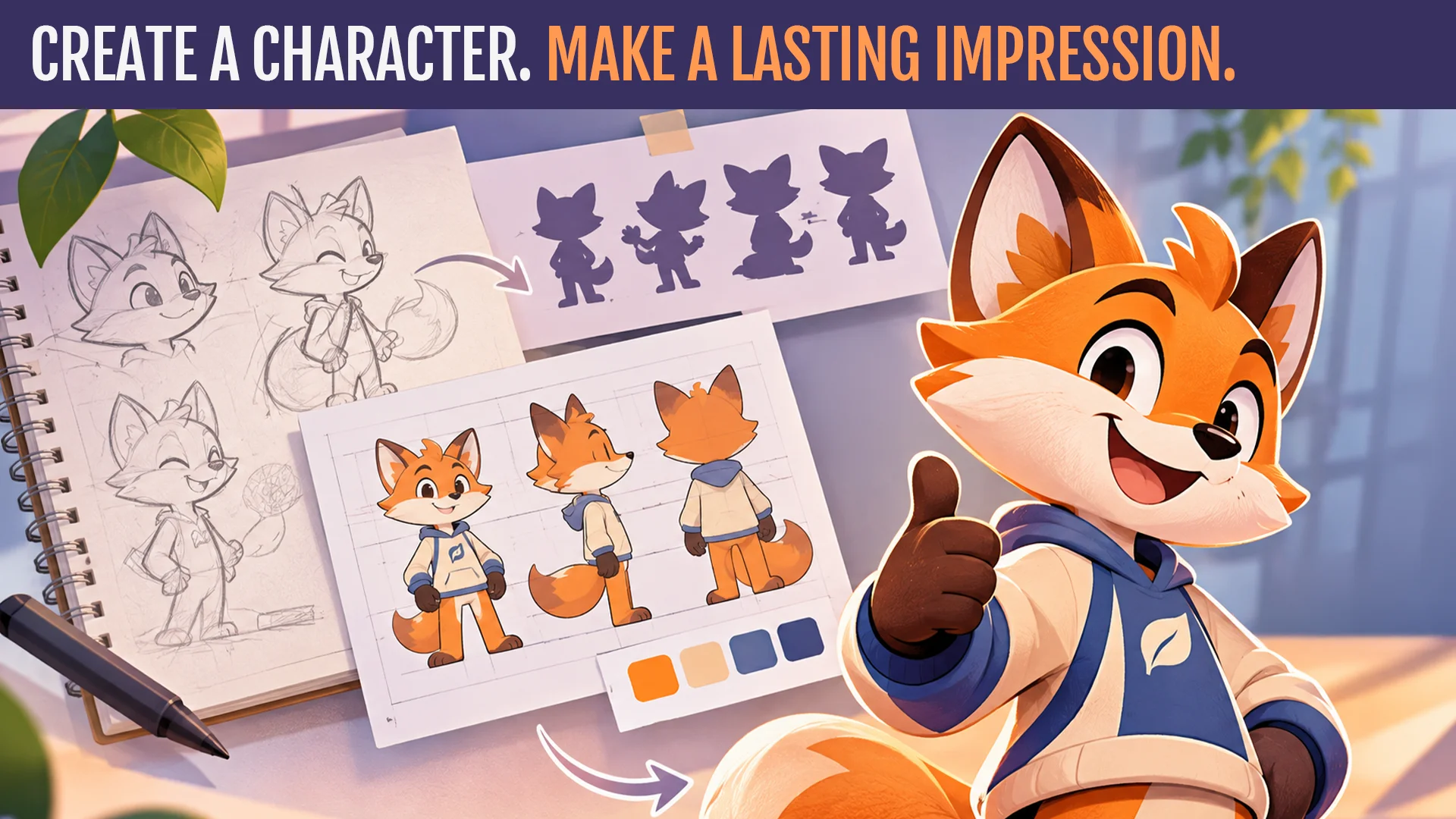
2. Adapt the design for movement
Many mascots were drawn for print. Some details do not survive movement: complex textures, limbs that are too thin, no mouth or no joints.
Adapting means simplifying without distorting. We rebuild the missing views, redraw the shapes cleanly and define how the character bends, walks and smiles. The audience must recognise its mascot at first glance.
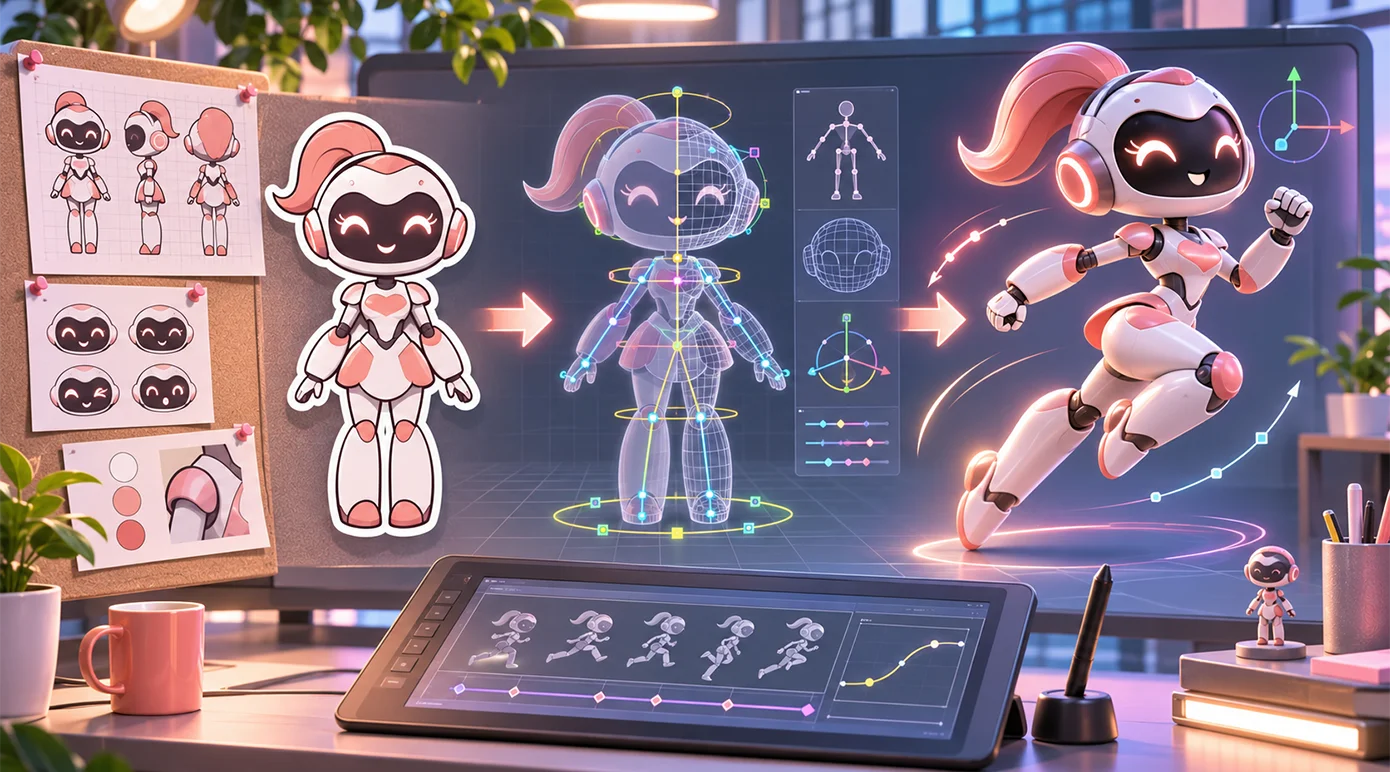
Before / after: the mascot’s design is adapted for movement without being distorted
3. Build the rig
The rig is the character’s digital skeleton. In 2D, it is a set of articulated layers. In 3D, the mascot is modelled, textured, then given a bone structure and facial controls.
It is an upfront investment. Once the rig is ready, every new animation costs less and ships faster.
4. Write the animation bible
The animation bible describes how the character moves: its walk, its rhythm, its signature gestures, its typical expressions. A nervous character and a placid one do not wave the same way.
This document keeps the mascot from changing personality from one video to the next.
5. Produce a kit of reusable animations
Rather than a single video, we produce a library: wave, approval, surprise, celebration, idle loop. These short sequences then feed social networks, the website, presentations and ads.
2D, 3D or AI: which technique to choose
The choice depends on the target media, the planned volume of content and the budget. The three approaches are often combined.
| Technique | Strengths | Limits | Best for |
|---|---|---|---|
| 2D motion design | Fast production, lightweight files, faithful to the original drawing | Limited camera angles | Social networks, website, app, stickers |
| 3D animation | Every angle, volume, premium look, reusable in AR or at events | Longer setup, the move from drawing to volume needs approval | Video advertising, brand films, giant screens |
| AI-generated video | Speed, variety of settings and situations, lower costs on large volumes | Character consistency to be checked shot by shot | Frequent social content, creative tests, animated storyboards |
With an existing mascot, generative AI calls for particular care: the audience notices the slightest deviation. Precise references, taken from the adaptation step, deliver faithful results.
Our approach at Interactive Studio is hybrid. Art direction stays in the hands of creatives, AI is used to produce faster and at greater scale, then every shot is checked and retouched.
Files delivered in high definition
Final files are supplied at a resolution suited to high-definition printing and 4K renders. Your mascot stays sharp on every medium, from a business card to a giant screen.
- For print: high-definition visuals (300 dpi) and vector files, scalable without loss for posters, packaging or point-of-sale displays.
- For video: animations rendered in 4K (3840 × 2160 px), then adapted to the lighter formats used on social networks and the web.
Where to bring your animated mascot to life
An animated mascot pays off through the number of touchpoints where it appears. The most effective ones:
- Social networks: short formats, reactions to current events, recurring series.
- Promotional videos: the mascot presents the product or stands in for the customer.
- Website and app: loading screens, 404 pages, onboarding, success messages.
- Messaging: stickers and GIFs that customers share themselves.
- Events and retail: booth screens, kiosks, animated shop windows.
- Internal communication: training, team onboarding, HR messages.
5 mistakes to avoid
- Animating the image as it is. A visual designed for print deforms badly: the adaptation step is not optional.
- Modernising too abruptly. A long-standing mascot should evolve in small touches, otherwise the audience no longer recognises it.
- Forgetting the personality. Without a defined character, the mascot moves but tells no story.
- Neglecting the rights. A rights assignment that does not cover animation blocks the project at the worst moment.
- Producing a single video. Without a rig or a reusable kit, every new piece of content starts from scratch.
Frequently asked questions about mascot animation
Can you animate a mascot when you only have one image?
Yes. The character is cleanly redrawn from the image, then its other views are rebuilt. This step makes the project slightly longer, but it finally gives you usable source files.
Does the mascot’s design need to change?
Slightly, most of the time. The adjustments concern what gets in the way of movement, not what makes the character recognisable. Every change is approved with you before animation.
Should you choose 2D or 3D?
2D is enough for social networks, the web and apps. 3D makes sense for video advertising, brand films and uses where the character must be seen from every angle.
Can AI animate my mascot on its own?
No, not at a consistently professional level. AI produces quickly, but staying faithful to the character requires precise references, art direction and human review of every shot.
What budget should you plan for?
The budget mainly depends on the technique chosen, the number of animations and the state of the existing files.
Bring your mascot to life
Your mascot already has an audience. All it lacks is movement to become a true brand character, present in video, on social networks and on your screens. At Interactive Studio, we animate existing mascots in 2D, in 3D and with AI. Send us your character, even as a single image: we will tell you what can be done with it.
No mascot yet? Read our guide to creating a professional brand mascot.
Would you like to animate your brand’s mascot?